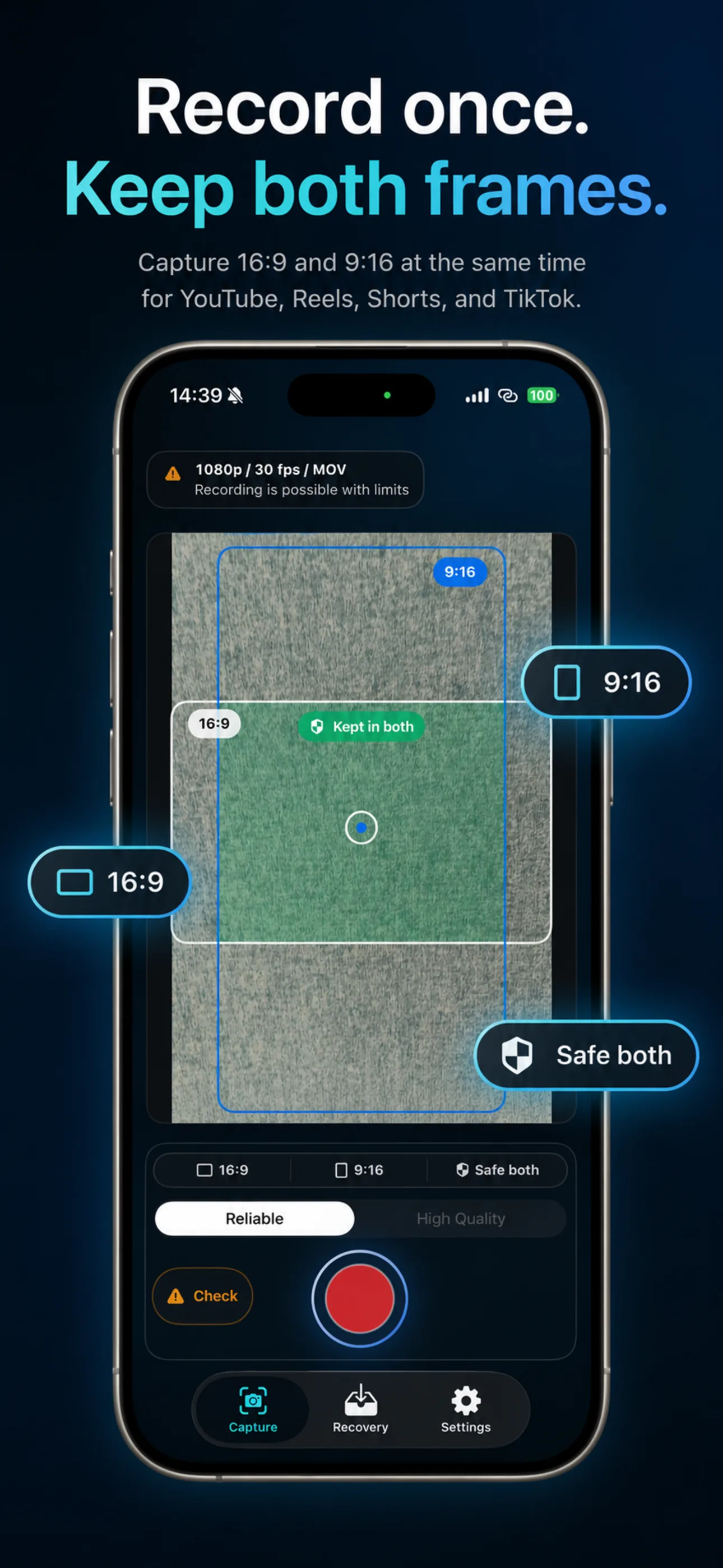
Record once. Keep both
frames.

Capture 16:9 and 9:16 from the same iPhone take.

FrameTwin is a local-first iPhone camera for creators who need one reliable recording for YouTube, Shorts, Reels, client recaps, and archives without staging the moment twice.

Preflight
Storage, heat, battery, and camera support before recording.
Live trust
Both output formats and writing state stay visible during the take.
Recovery
Interrupted local files stay actionable after iOS gets in the way.
FrameTwin App Store poster with an iPhone and labels for 16:9 and 9:16 outputs from one take.
16:9 + 9:16 Same take. Safe framing visible.

One local recording session.

Two creator-ready outputs.

Risk signals before, during, and after.

The trust loop

Dual-format recording only matters if the take survives.

FrameTwin keeps the anxiety curve visible: can this phone handle the take, are both files still writing, and did you leave with usable outputs?

01

Check the phone before the take

Camera support, storage, battery, thermal state, Photos access, and recovery readiness stay visible before you commit.
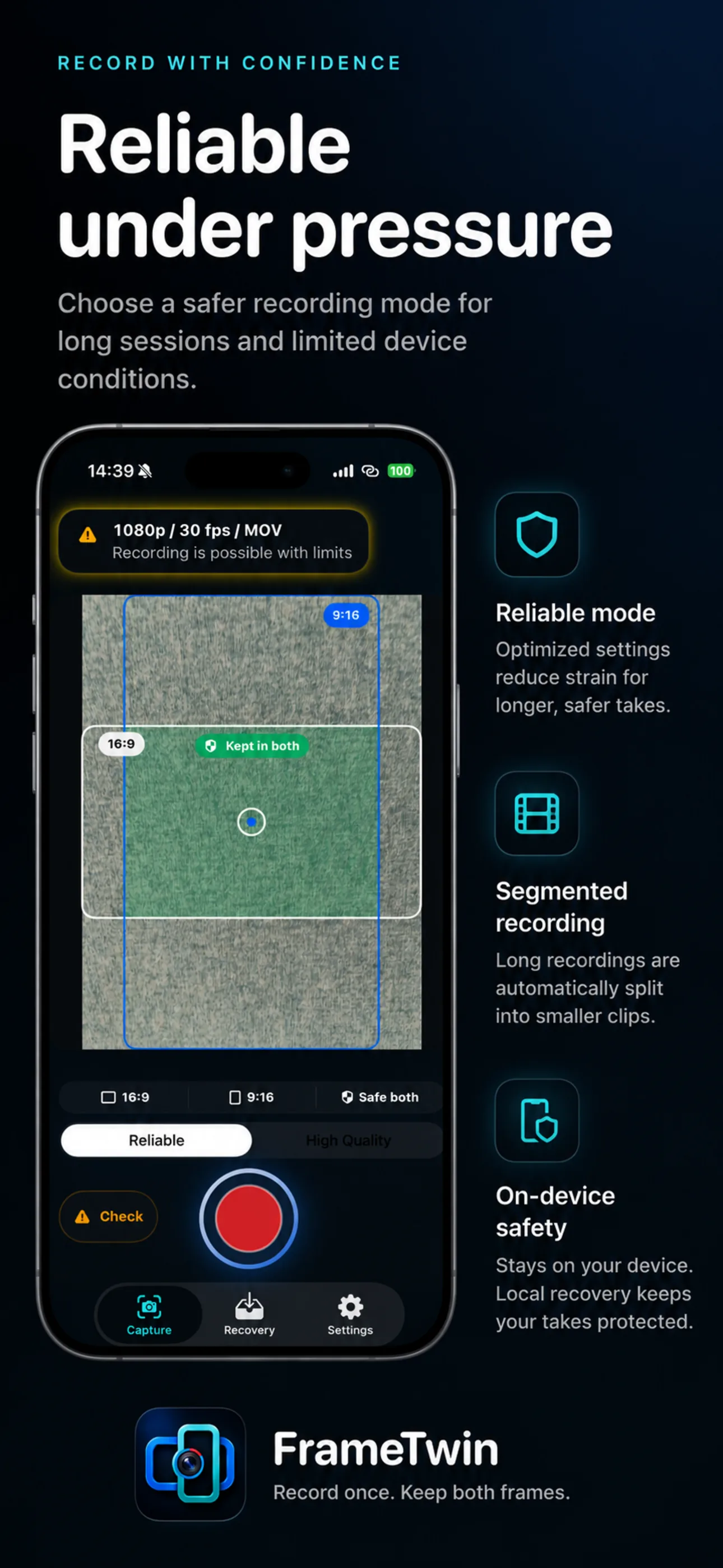
FrameTwin App Store poster explaining reliable recording under pressure with preflight, segmented recording, and on-device safety.

02

Record with both frames in view

The capture surface keeps 16:9 and 9:16 guides, writing state, and live risk signals close to the record button.
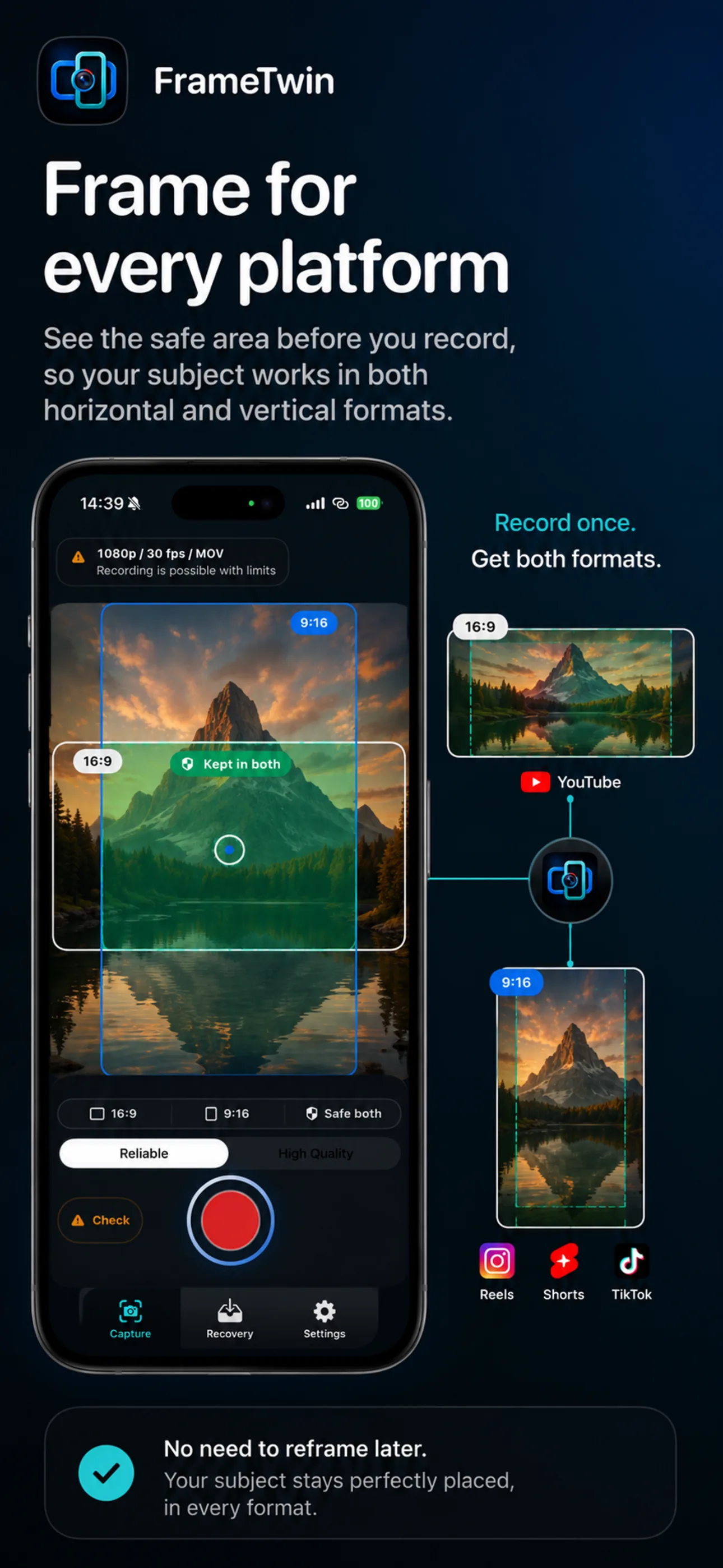
FrameTwin App Store poster showing one capture framed for YouTube, Reels, Shorts, and TikTok.

03

Confirm what survived

After the take, FrameTwin separates clean Photos saves from local recovery paths so the next action is obvious.
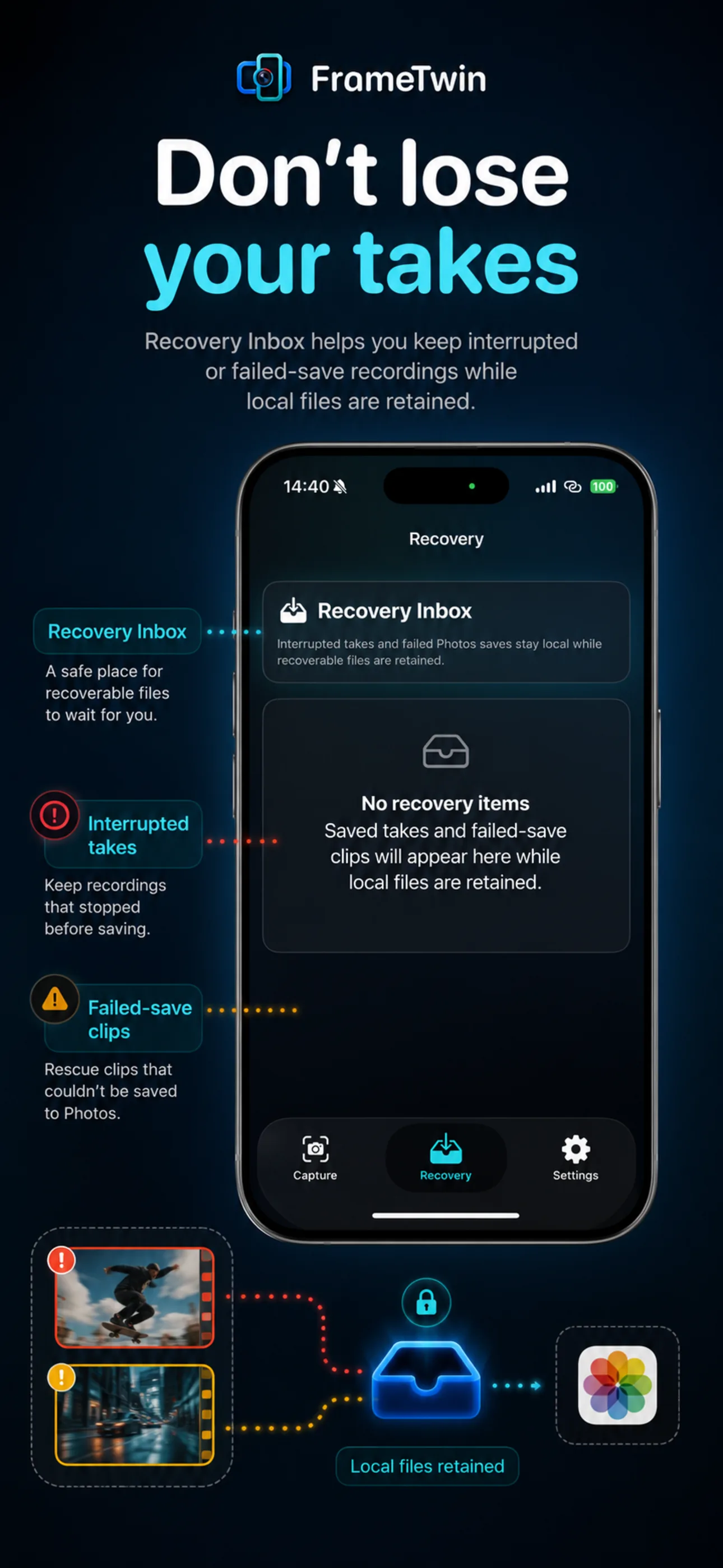
FrameTwin App Store poster showing recovery inbox and local files retained after interrupted takes.

Product proof

The screenshots already tell the launch story.

FrameTwin App Store poster with an iPhone and labels for 16:9 and 9:16 outputs.

Dual-format capture

16:9 and 9:16 from the same iPhone take.

FrameTwin App Store poster showing one capture used for YouTube, Reels, Shorts, and TikTok.

Frame for every platform

See the safe area before recording, then publish without rebuilding the moment.

FrameTwin App Store poster explaining reliability under pressure.

Reliable under pressure

Preflight and runtime signals help you choose a safer recording setup.

FrameTwin App Store poster showing recovery inbox and saved local files.

Recovery that has your back

Interrupted local files stay actionable through a recovery inbox.

Creator workflow

Focused controls. No cinema-rig cosplay.

V1 stays honest: record one important moment, keep the two platform formats, and make the save/recovery state legible.
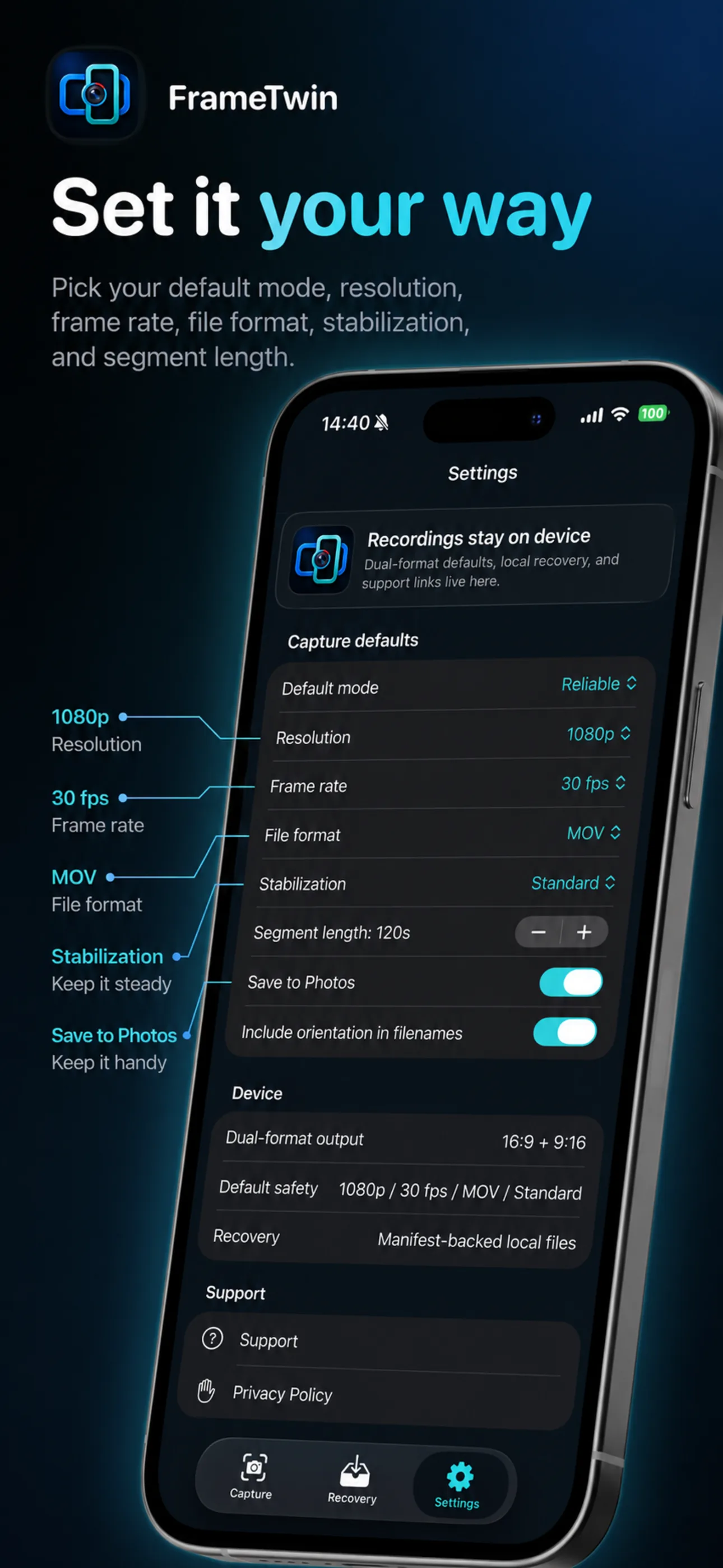
  • Resolution, frame rate, file format, and stabilization
  • Segment length and Photos save preference
  • Local-first recordings and recovery inbox
FrameTwin settings poster showing capture defaults, resolution, frame rate, file format, and save preferences.

Local-first by default

Recordings stay on device unless you choose to export or share.

The public site, FAQ, privacy page, RSS, llms.txt, and lightweight protocol routes do not store creator recordings, accounts, purchases, or sync data.
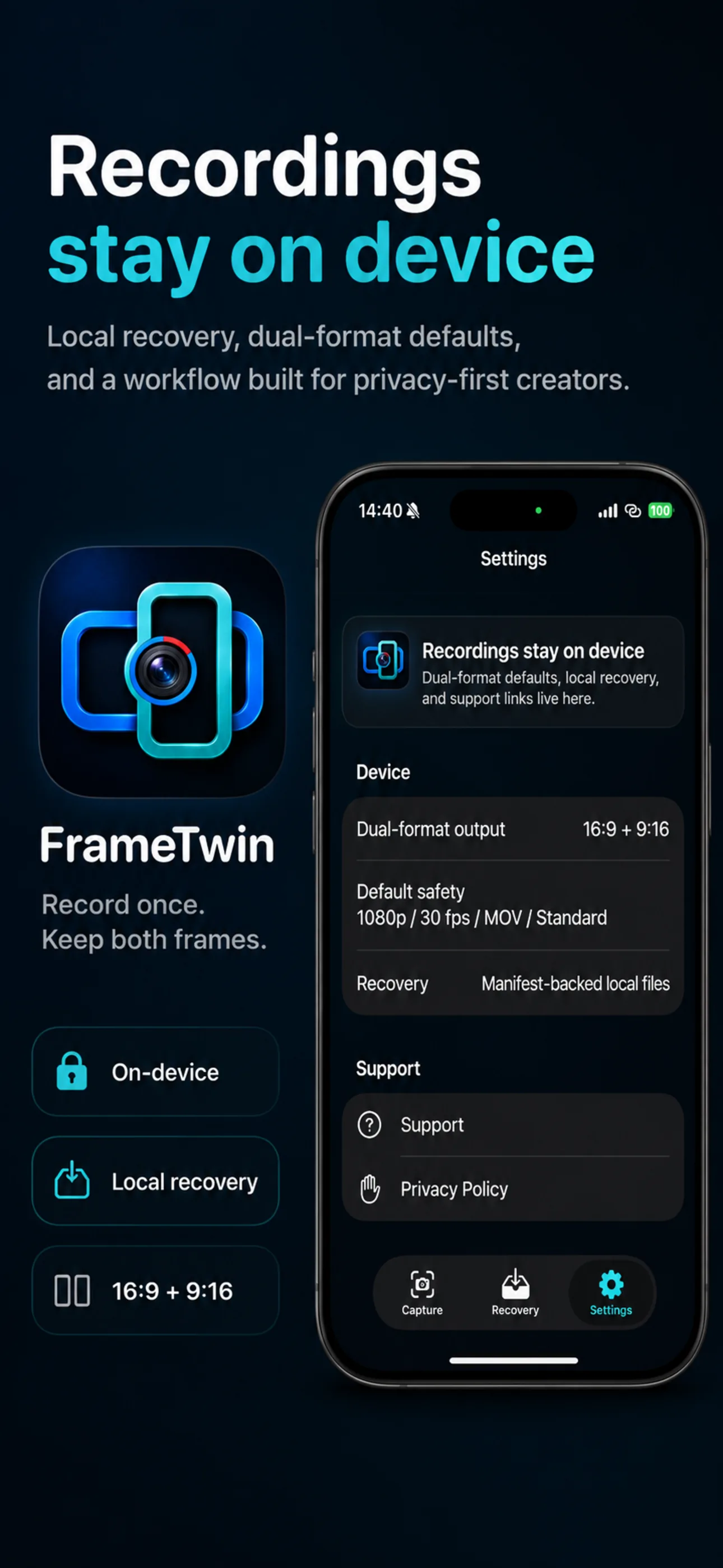
FrameTwin poster saying recordings stay on device with local recovery and 16:9 plus 9:16 support.

Ready for the take

Leave with both creator formats from one recording.

FrameTwin keeps V1 focused on the capture loop creators care about most: preflight, record, save, recover.